
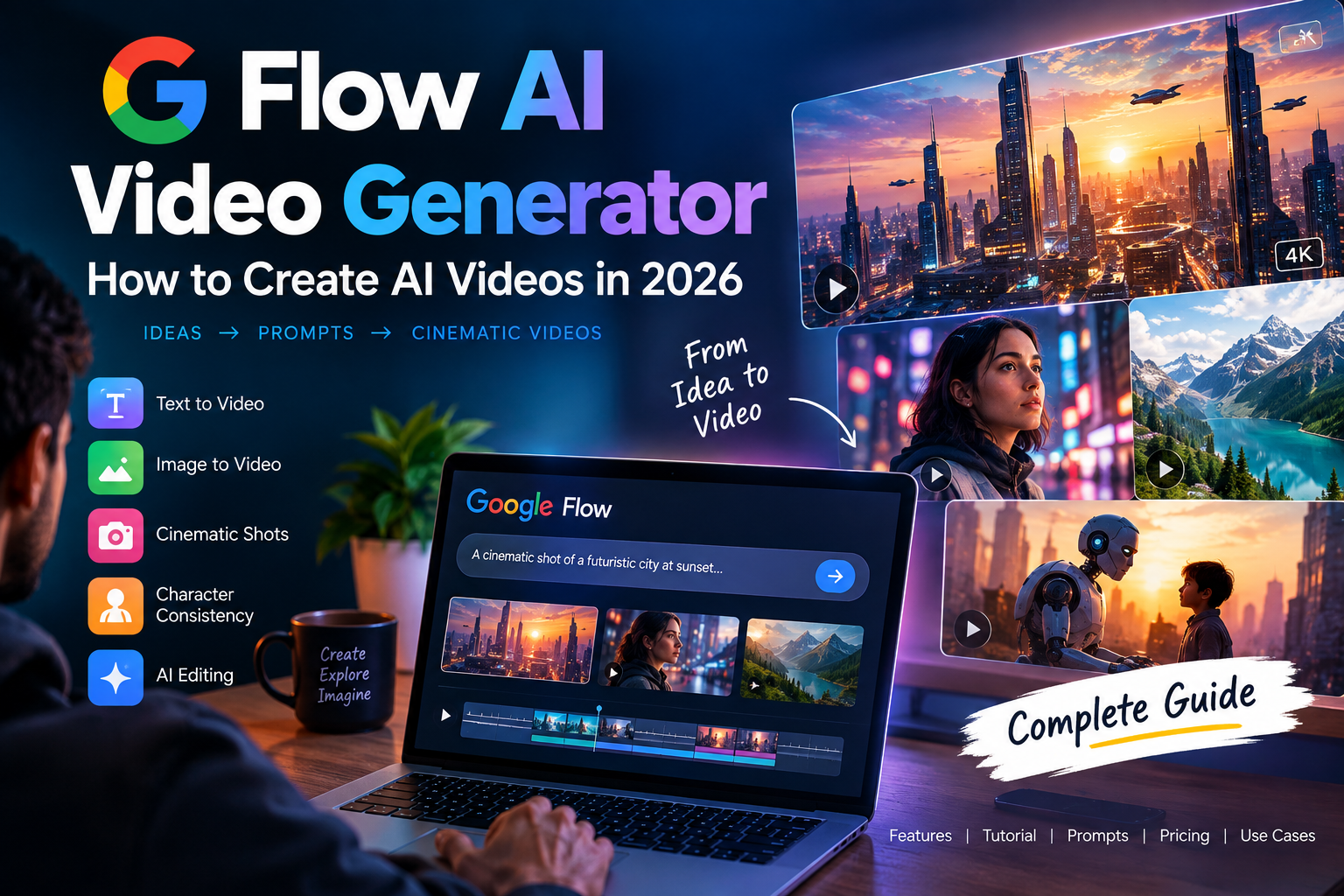
AI video generation has changed rapidly in 2026. What once required expensive cameras, editing software, actors, and hours of post-production can now be done with AI-powered video tools.
One name that has attracted attention is Flow AI, Google’s AI filmmaking and video creation platform. It is designed to help creators turn ideas into cinematic videos using generative AI.
Whether you are a YouTube creator, filmmaker, content creator, marketer, or someone experimenting with AI videos, Flow AI can make the video creation process much easier.
In this guide, we’ll explain what Flow AI is, how it works, its main features, how to create videos, pricing, prompts, and what you should know before using it.
What Is Flow AI?
Flow AI is Google’s AI-powered filmmaking tool designed to help users create and edit cinematic videos using generative AI.
Instead of recording every scene yourself, you can describe what you want to create and use AI-generated visuals, characters, scenes, and camera movements to build a video.
Flow is particularly interesting for creators because it focuses not only on generating individual clips but also on helping users build more coherent visual stories.
It works with Google’s generative AI ecosystem, including models such as Veo for video generation and Imagen for image generation.
What Can You Create With Flow AI?
You can potentially use Flow AI for:
- AI-generated videos
- Short films
- YouTube videos
- YouTube Shorts
- Social media videos
- Product videos
- Cinematic scenes
- Storytelling videos
- Concept videos
- Promotional content
- Visual experiments
- AI filmmaking projects
The biggest attraction is that you can start with an idea instead of starting with a camera.
How Does Flow AI Work?
Flow AI uses generative AI to transform text and visual instructions into video content.
For example, instead of filming a scene yourself, you could describe something like:
“A cinematic shot of a futuristic city at night, rain falling on neon streets, a man walking through the crowd, slow camera movement, realistic lighting.”
The AI can use that description to generate a corresponding visual scene.
The quality of your instructions matters significantly. A vague prompt may produce a generic result, while a detailed prompt can give you much more control over the scene.
A useful prompt can describe:
- Subject
- Environment
- Camera angle
- Camera movement
- Lighting
- Time of day
- Visual style
- Mood
- Action
- Composition
Flow AI Features
1. AI Video Generation
The main purpose of Flow AI is generating video content using AI.
You can describe the scene you want and use generative video technology to produce visual footage.
This can be useful when you need scenes that would otherwise be expensive or difficult to shoot.
For example:
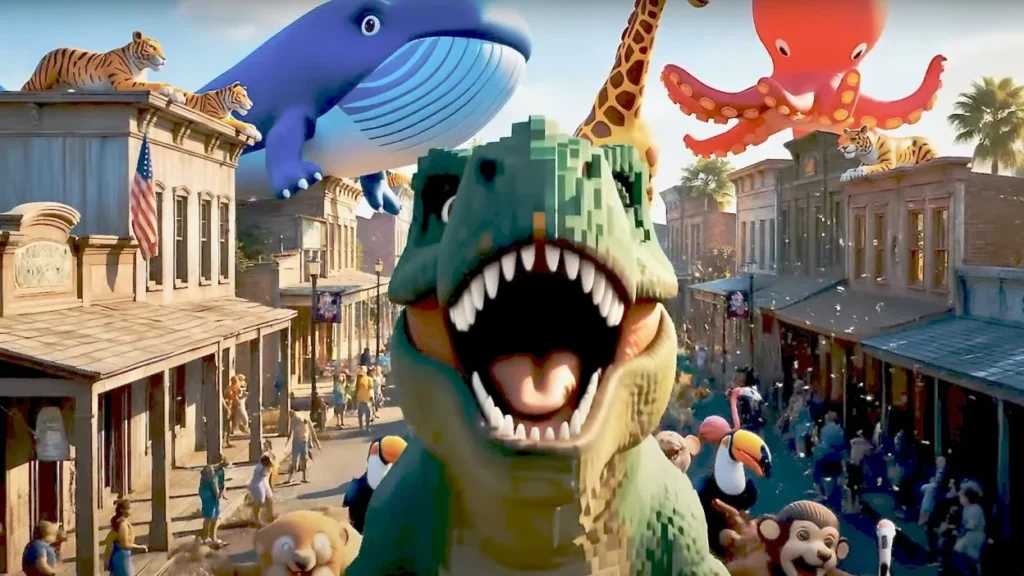
Prompt:
A cinematic drone shot flying over a futuristic Indian city at sunset, warm golden light, realistic architecture, atmospheric haze, slow smooth camera movement.
2. Text-to-Video
Text-to-video allows you to describe a scene using natural language.
The AI then attempts to generate a video based on your description.
This is useful for creators who don’t have filmmaking equipment or advanced video production skills.
You can experiment with different prompts until you get a scene that matches your idea.
3. Image-to-Video
Image-to-video workflows allow creators to start with an image and turn the concept into moving footage.
For example, you could have an AI-generated character image and then use it as the basis for a video scene.
This can be useful for:
- Character animation
- Product videos
- Cinematic scenes
- Social media content
- Storytelling
4. Camera Control and Cinematic Shots
One of the interesting aspects of AI filmmaking is controlling how the camera behaves.
Instead of simply asking for “a video,” you can describe the camera movement.
For example:
Slow cinematic dolly-in toward the character.
Other useful camera descriptions include:
- Close-up
- Wide shot
- Medium shot
- Tracking shot
- Over-the-shoulder shot
- Low-angle shot
- High-angle shot
- Drone shot
- Slow zoom
- Pan
- Tilt
Adding these details can make AI-generated footage feel more intentional.
5. Character and Scene Consistency
Consistency is one of the biggest challenges with AI-generated video.
A character may look different from one scene to another if the AI doesn’t have enough reference information.
Tools designed for AI filmmaking attempt to make it easier to maintain consistency across scenes and use visual references.
This is especially important if you want to create:
- Short films
- Story videos
- Series
- Character-based content
- YouTube storytelling videos
How to Use Flow AI
Getting started with an AI video tool is relatively straightforward.
Step 1: Start With an Idea
Before opening Flow, decide what you want to create.
For example:
Idea: A futuristic city where AI-powered robots work alongside humans.
Don’t immediately try to generate the entire film.
Break the idea into individual scenes.
Example
Scene 1: Futuristic city introduction
Scene 2: Robot walking through a busy street
Scene 3: Human and robot interacting
Scene 4: Robot entering an advanced laboratory
Scene 5: Final cinematic city shot
Breaking a story into scenes gives you more control.
Step 2: Write Your Prompt
Your prompt should explain what you want to see.
Instead of:
Robot walking.
Try:
A humanoid service robot walking through a futuristic downtown street at night, surrounded by glowing neon signs and pedestrians, light rain falling, cinematic lighting, realistic reflections on wet pavement, slow tracking camera movement, high-detail science-fiction atmosphere.
The second prompt gives the AI much more information.
Step 3: Generate the Scene
Submit your prompt and generate the video.
Don’t worry if the first result isn’t perfect.
AI video generation often requires experimentation.
Try changing:
- Camera movement
- Lighting
- Character description
- Location
- Composition
- Action
- Style
Step 4: Improve Your Prompt
If the result isn’t what you expected, don’t completely change everything at once.
Change one part of the prompt.
For example:
Original:
A man walking through a city.
Improved:
A young man wearing a dark futuristic jacket walking slowly through a neon-lit cyberpunk city at night, light rain, cinematic reflections, medium tracking shot, realistic lighting.
Small improvements can make a big difference.
Best Flow AI Prompts
Here are some prompt ideas you can experiment with.
Cinematic City Prompt
A cinematic wide shot of a futuristic city at sunset, massive skyscrapers covered with digital advertisements, flying vehicles moving between buildings, warm atmospheric lighting, realistic details, slow camera movement.
Nature Prompt
A peaceful mountain valley during sunrise, clouds moving slowly between snow-covered peaks, golden sunlight illuminating the landscape, cinematic wide-angle shot, realistic natural lighting.
Horror Prompt
An abandoned house in a dense forest at midnight, thick fog surrounding the building, one flickering light visible through a broken window, slow camera movement toward the entrance, dark cinematic atmosphere.
Product Advertisement Prompt
A premium smartphone rotating slowly on a reflective black surface, dramatic studio lighting, subtle particles floating in the background, luxury commercial aesthetic, smooth cinematic camera movement.
YouTube Shorts Prompt
A fast-paced cinematic shot of a futuristic sports car racing through a neon city at night, dynamic tracking camera, rain-covered streets, dramatic reflections, energetic visual style.
Is Flow AI Free?
Whether you can use Flow AI for free depends on Google’s current availability, account eligibility, plan, location, and the credits or limits associated with the service.
AI video generation can be computationally expensive, so video-generation platforms commonly use usage limits, credits, or paid plans.
Before publishing an article claiming a specific number of free generations or credits, check the current official Flow pricing and plan information because these limits can change.
This is particularly important if you’re comparing Flow AI with other AI video generators.
Flow AI Pricing
Flow AI pricing can vary depending on the Google plan or offering available to you.
Instead of assuming a fixed price, check the current Google Flow/AI plan information before subscribing.
When comparing AI video tools, don’t look only at the monthly price.
Also consider:
- Number of generations
- Video resolution
- Generation speed
- Available models
- Watermarks
- Commercial usage rights
- Credit limits
- Image-to-video support
- Video duration
- Editing features
The cheapest plan isn’t necessarily the most suitable one for every creator.
Flow AI for YouTube
Flow AI can be particularly interesting for YouTube creators.
You could use AI-generated footage for:
- Storytelling channels
- Science-fiction videos
- History content
- Educational videos
- Explainer videos
- Shorts
- Visual storytelling
- Concept videos
- Background footage
For example, a creator could write a fictional story and generate individual scenes instead of filming everything manually.
However, AI-generated footage should ideally be combined with good scripting, narration, editing, sound design, and original ideas.
Simply generating random AI clips is unlikely to produce a compelling video.
Flow AI for Faceless YouTube Channels
AI video tools are also being explored by creators running faceless channels.
A basic workflow could look like this:
Topic → Script → Voiceover → AI Visuals → Editing → Thumbnail → YouTube
Flow AI can potentially be used for the visual part of this workflow.
For example:
- Research a topic.
- Write an original script.
- Create narration.
- Generate visual scenes.
- Edit the scenes together.
- Add music and sound effects.
- Create a thumbnail.
- Publish the video.
The important part is that AI should support the content rather than replace originality.
Flow AI vs Sora
Flow AI and Sora are both associated with AI-generated video, but they are not identical products.
The exact capabilities of each platform can change as their models and features are updated.
When comparing them, look at:
| Feature | Flow AI | Sora |
|---|---|---|
| AI video generation | Yes | Yes |
| Text-based generation | Yes | Yes |
| Image/video workflows | Supported depending on current features | Supported depending on current features |
| Cinematic filmmaking workflows | Strong focus | Strong generative-video focus |
| AI model ecosystem | Google ecosystem | OpenAI ecosystem |
| Best use case | AI filmmaking and scene creation | Generative video creation |
The best choice depends on the type of content you want to create and the features available on your account.
Flow AI vs Traditional Video Production
Traditional filmmaking usually requires:
- Camera
- Lighting
- Actors
- Location
- Crew
- Audio equipment
- Editing software
AI filmmaking can reduce the amount of physical production required.
For example, creating a futuristic city scene traditionally could require expensive sets, visual effects, or location shooting.
With AI, you can describe the scene and generate a visual representation.
However, traditional filmmaking still offers advantages in areas such as real-world performances, physical environments, precise production control, and established workflows.
AI and traditional production can also be combined.
Advantages of Flow AI
Some potential advantages include:
Faster experimentation
You can experiment with visual ideas without setting up a complete production.
Lower production requirements
You don’t necessarily need a camera crew or physical location for every scene.
Creative flexibility
AI allows creators to explore unusual environments and fictional scenarios.
Useful for visual storytelling
Creators can turn written concepts into visual scenes.
Beginner-friendly experimentation
People without traditional filmmaking experience can experiment with cinematic concepts.
Limitations of Flow AI
AI video generation isn’t perfect.
You may encounter:
- Inconsistent characters
- Incorrect object details
- Unnatural movement
- Prompt interpretation issues
- Visual artifacts
- Limited control over certain scenes
- Generation limits
- Costs for repeated generations
For professional work, you may still need traditional video editing software after generating the footage.
AI-generated footage should be treated as part of the production workflow rather than an automatic replacement for every filmmaking step.
How to Write Better Flow AI Prompts
One of the easiest ways to improve your results is to structure your prompts.
A useful formula is:
Subject + Action + Environment + Camera + Lighting + Style + Mood
For example:
A young woman wearing a futuristic silver jacket, walking through a neon-lit Tokyo-inspired street at night, light rain falling, slow tracking camera, cinematic blue and pink lighting, realistic science-fiction film style, mysterious atmosphere.
This gives the model information about almost every important visual component.
Flow AI for Beginners
If you’re completely new to AI video generation, don’t start by trying to make a 10-minute movie.
Start with a 10–20 second scene.
Try simple projects such as:
- A cinematic landscape
- A product advertisement
- A futuristic city
- A fantasy character
- A short story scene
- A YouTube intro
Once you understand prompting and generation, you can combine multiple scenes into a larger project.
Is Flow AI Worth Trying?
Flow AI is an interesting option for creators who want to experiment with AI filmmaking and generative video.
Its biggest appeal is the ability to move from a written concept toward cinematic visual content without requiring a traditional film-production setup.
However, your results will depend heavily on prompting, available features, generation limits, editing skills, and the type of content you’re creating.
For creators, the most useful approach is to treat Flow AI as a creative production tool, rather than expecting it to automatically create a complete professional video from one prompt.
Final Thoughts
AI video generation is moving from simple experiments toward more complete creative workflows.
Flow AI is particularly interesting because it focuses on AI-assisted filmmaking and gives creators a way to turn ideas into visual scenes.
If you’re a YouTuber, filmmaker, marketer, or content creator, it’s worth experimenting with different prompts and workflows to understand what the tool can actually produce.
The best results will usually come from combining AI-generated visuals with original storytelling, good narration, editing, sound design, and human creativity.
If you’re starting today, create a short scene first. Learn how prompting, camera instructions, references, and scene continuity work, and then gradually build longer projects.
Best Free AI Podcast Editing Tools in 2026
Frequently Asked Questions
What is Flow AI?
Flow AI is Google’s AI filmmaking and video creation tool designed to help creators generate and develop visual scenes using generative AI.
Is Flow AI free?
Access and usage limits depend on the current Google plan, account, location, and available credits. Check the latest official Google information before relying on a specific free-generation limit.
Can Flow AI create videos from text?
Yes. Text-based prompts can be used to describe scenes and generate AI video content.
Can I use Flow AI for YouTube?
Yes, AI-generated video can be used as part of a YouTube production workflow, subject to the applicable tool terms and YouTube’s policies.
Can beginners use Flow AI?
Yes. Beginners can start with short scenes and simple prompts before moving to more complex filmmaking workflows.
Can Flow AI create cinematic videos?
Flow is designed around AI filmmaking and cinematic video creation, although the final quality depends on the model, prompt, references, generation settings, and editing workflow.
What are the best Flow AI prompts?
The best prompts usually describe the subject, action, environment, camera movement, lighting, visual style, and mood rather than using only a short sentence.